How to Run a Creator Campaign on Reffero: Brief to Report, End to End
The campaign workflow for Nepali brands on Reffero: writing the brief, picking creators from live media kits, signing in-app contracts, approving drafts, and getting reports pulled from live posts.
A creator campaign in Nepal traditionally runs on DMs, verbal agreements, and a screenshot report three weeks late. Reffero's campaign module replaces that pipeline with one that has a paper trail at every step. Here's the whole lifecycle.
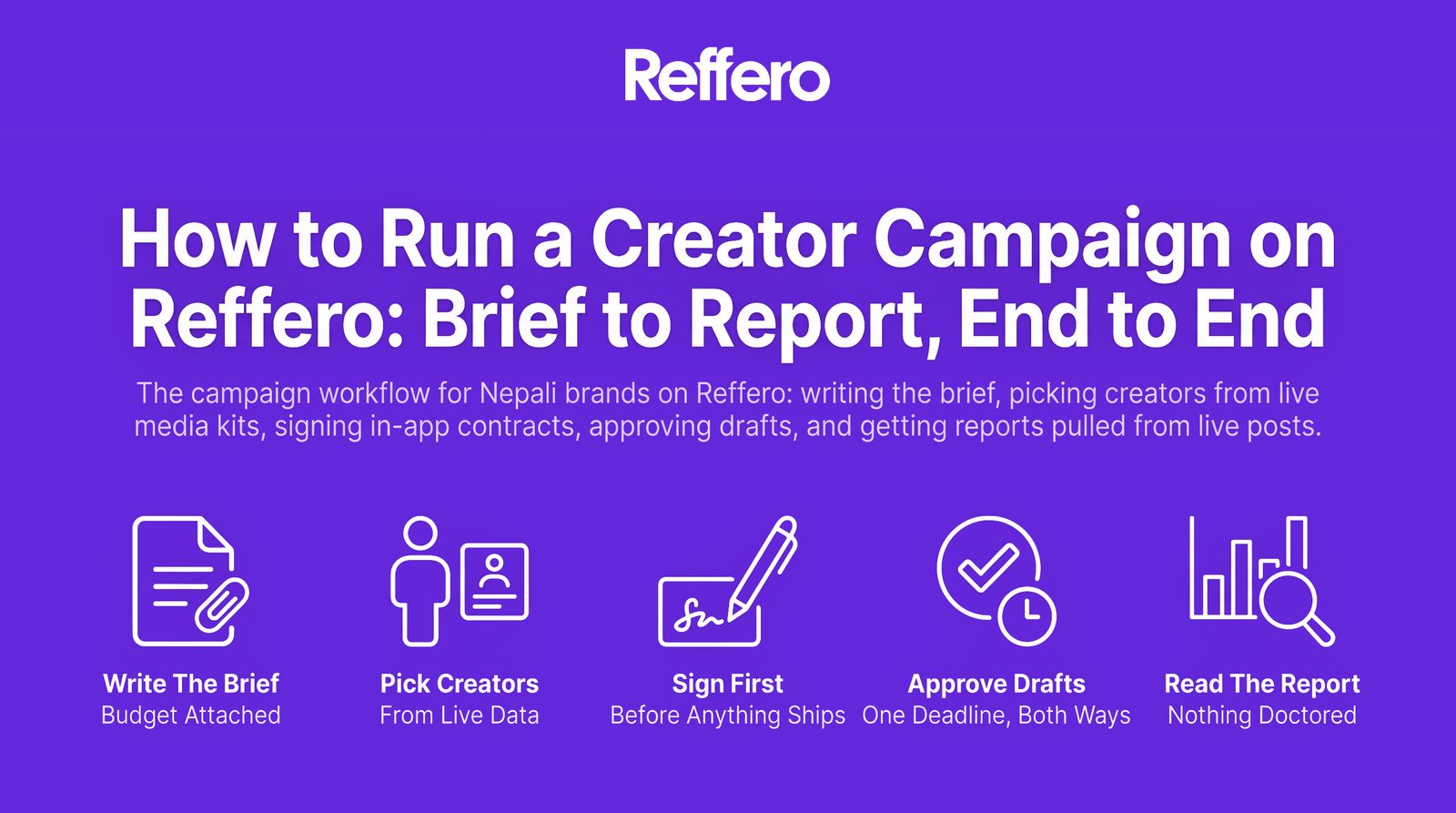
1. Write the brief with the budget attached
You post a campaign with deliverables, dates, and budget stated up front. The app holds your budget, which changes the negotiation physics: a counter offer can never quietly blow past what you allocated, and creators respond faster to campaigns where the money is visibly real.
Decide before writing the brief what you're buying (reach, content, or sales), because they're priced and judged differently. (Our influencer marketing guide covers that decision; it's the one most burned budgets skipped.)
2. Pick creators from live data, not PDFs
Invite creators from the directory, or review the ones who apply. Either way you're reading media kits that update themselves from Instagram and TikTok: followers, engagement, past collabs, pulled live. The classic Nepal problem of the eight-month-old media kit with pre-purge follower counts simply doesn't come up.
Directory access scales with your plan: the Free tier shows creators under 3,000 followers (a real strategy, not a limitation, because micro-creators often win on cost per order), Pro opens creators under 10k plus per-creator stats, and Premium opens the full directory.
3. Sign before anything ships
Fee, deliverables, and dates go into a digital contract signed in-app before work starts. Counter offers happen in the app and stay on record. If you've ever had a campaign's terms drift between the DM agreement and the invoice, this is the fix: there's exactly one version of the deal, and both sides signed it.
PR-package campaigns ship with courier tracking, so "did the product reach the creator" is a status, not a phone call.
4. Approve drafts, with one deadline that cuts both ways
Creators submit drafts in the app. You approve, or send back with a reason, which keeps revision rounds honest and short. The one rule to calendar: drafts auto-approve after 48 hours. It protects creators from campaigns dying in someone's inbox, and it means your review process needs an owner. Assign one.
5. Read a report nobody could have doctored
After posting, metrics pull from the live posts (views, likes, reach) and export as PDF or Excel. Per-creator, you get reach, engagement, and ROI stats. No screenshot compilation, no cropped analytics, no waiting.
And if you attached affiliate links to the campaign (you should; it's the whole pay-for-delivered-orders rail), the report extends past vanity metrics into clicks, delivered orders, revenue, and ROAS per creator.
The loop that makes campaign two cheaper
The first campaign's per-creator numbers are the second campaign's targeting. Cut the creators who didn't convert, double the ones who did, and re-run. By cycle two you're not buying influence on faith. You're buying orders at a price you know. That loop is the entire reason to run campaigns on infrastructure instead of DMs.
Brief, contracts, drafts, and reports in one place, with your budget held by the app. The full picture is on Reffero for brands. Book a demo.